 EN
 Ελληνικά
 Deutsch
 Français
 Español
 Italiano
 Русский
 Português
 Română
 Українська
 Polski
 Türkçe
 Bahasa Indonesia
 Tiếng Việt
Electrical Automation & PLC Simulator
Design and simulate electrical automation circuits — in your browser
IEC 60617 symbols, live simulation with real faults, and Ladder programming for Siemens LOGO!, S7-200, S7-1200 and Schneider M221. No installation. Free to start.
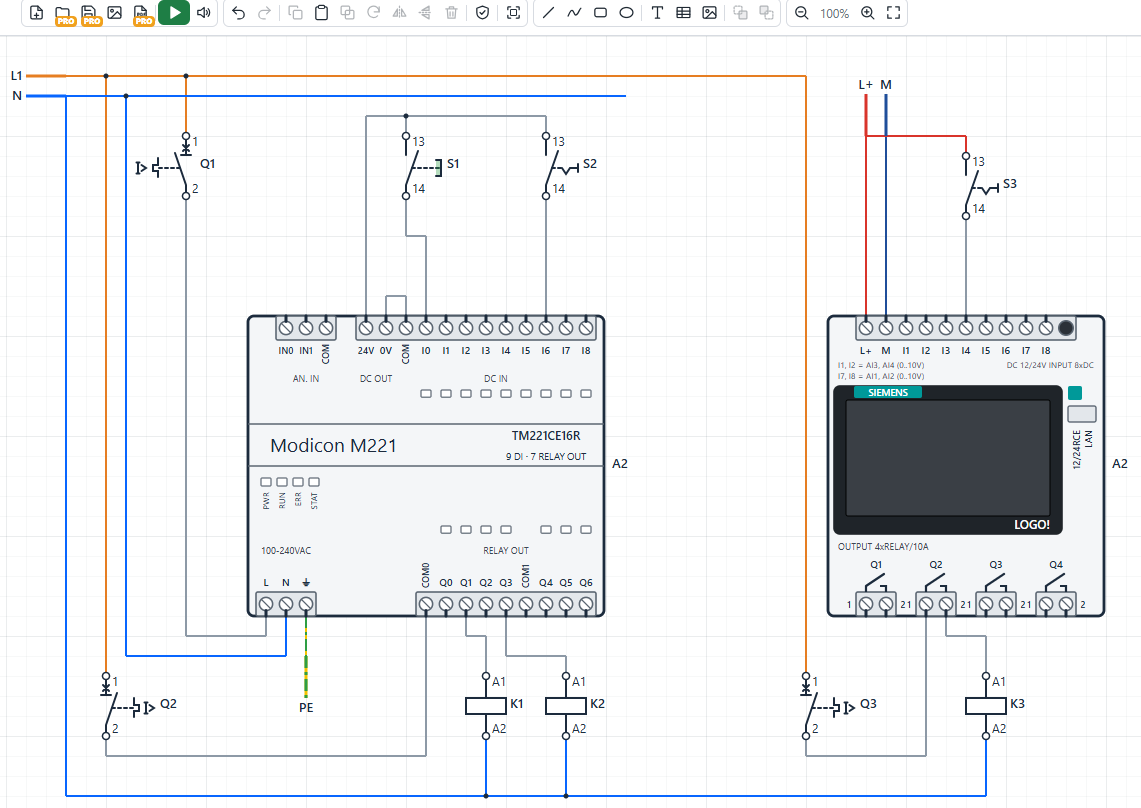
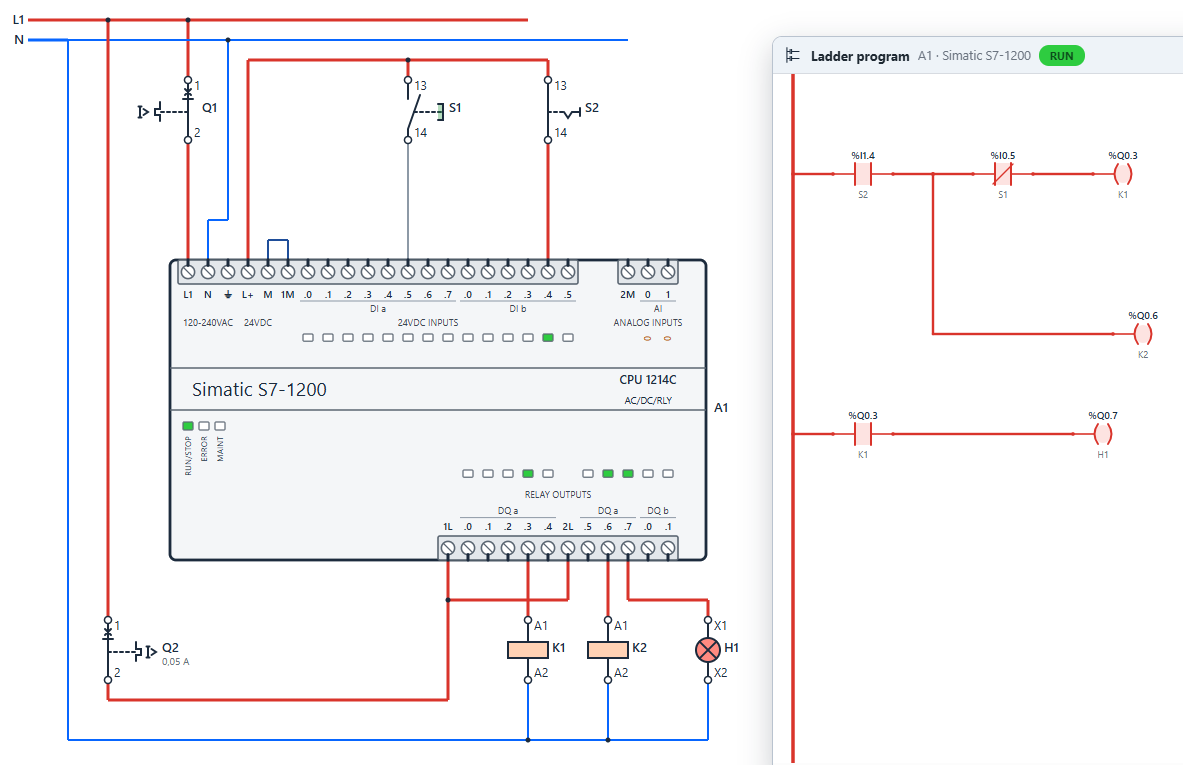
From the first pushbutton to a PLC-controlled panel
Real PLC models with their real terminals, wired with IEC symbols and programmed in Ladder — all in one drawing.
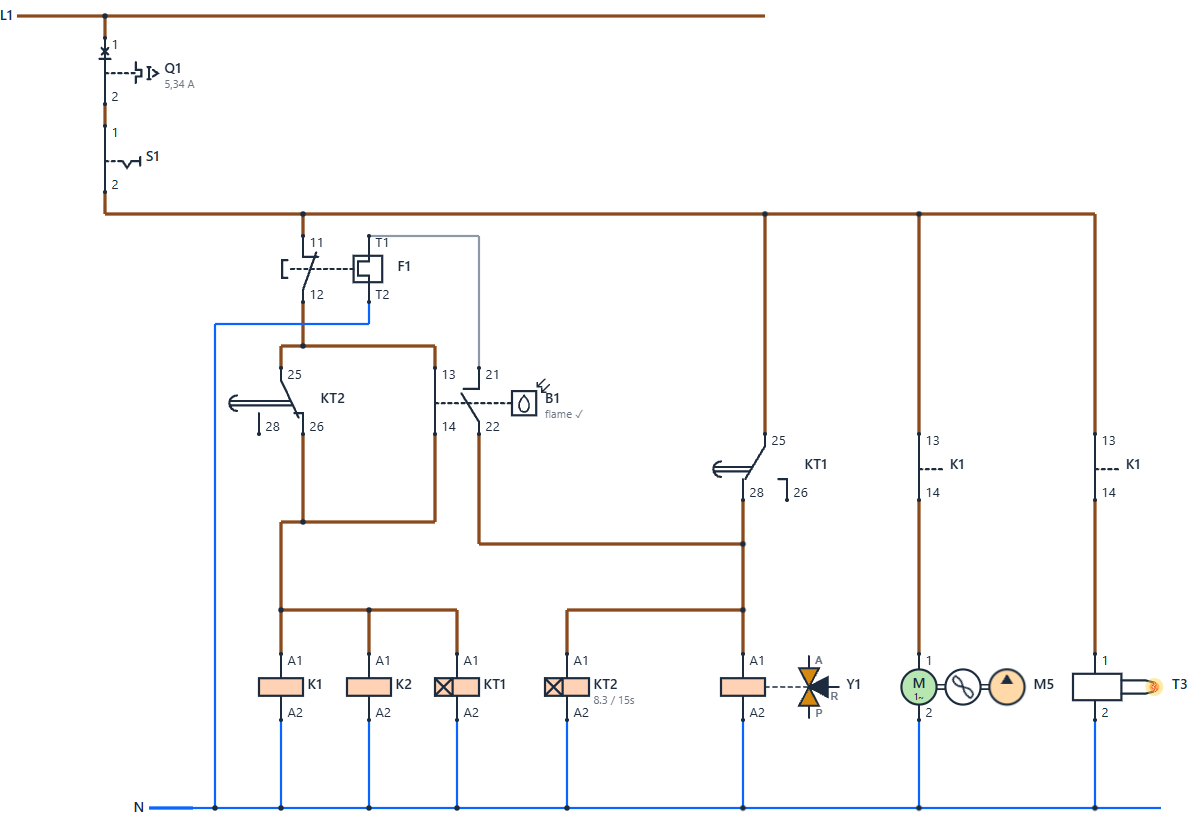
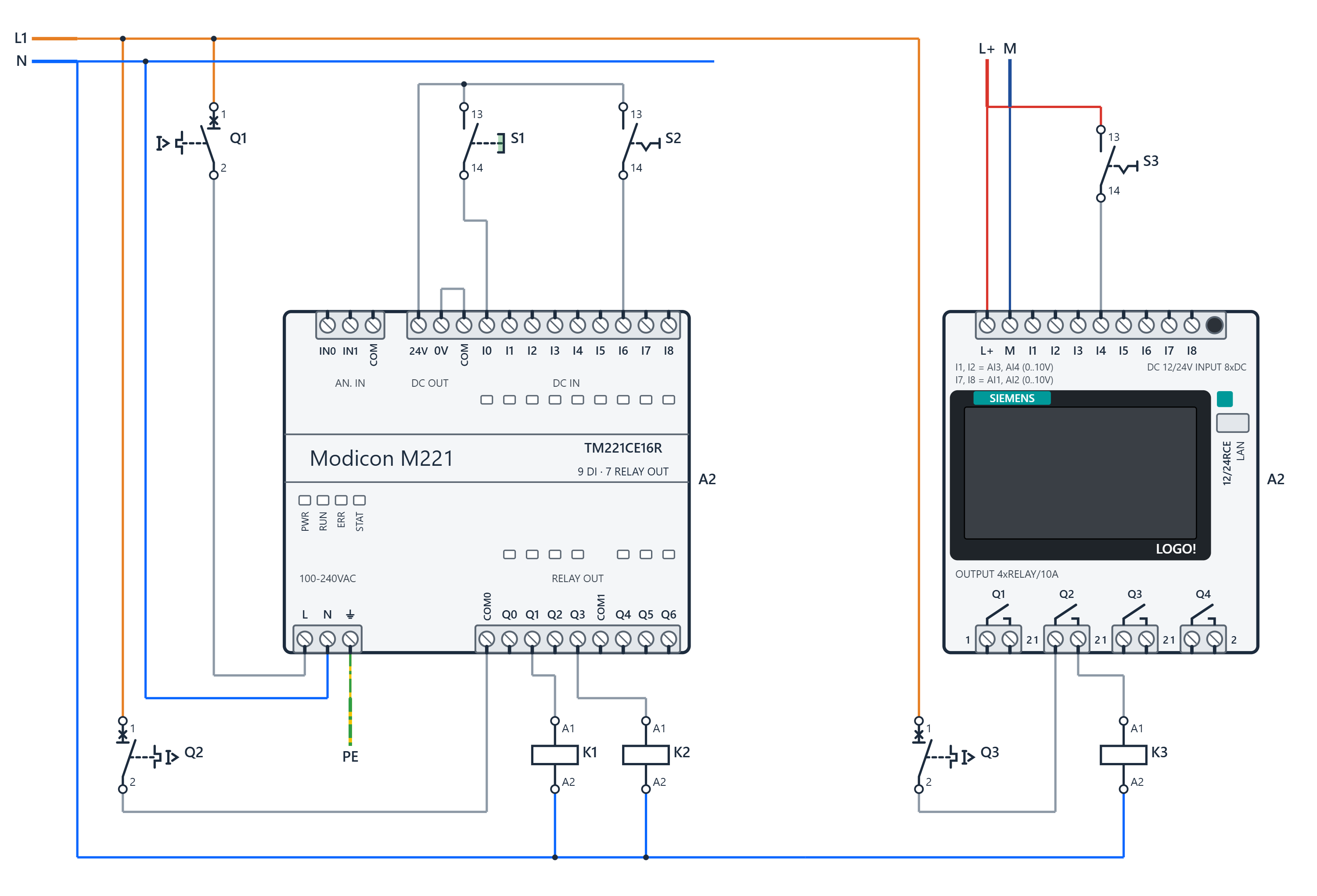
Everything a control-panel drawing needs
Built for teaching electrical automation, precise enough for professional work.
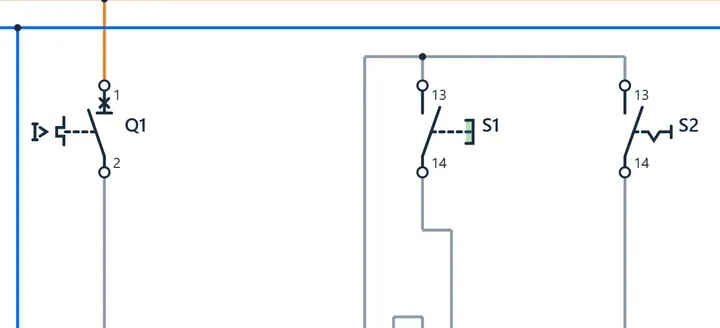
Complete IEC symbol library
Supply, batteries and generators; fuses, MCBs, RCDs, MCCBs, surge arresters; buttons, switches and sensors; relays, timers and contactors; motors, lamps, sounders, transformers, inverters, meters, terminals and PLCs.
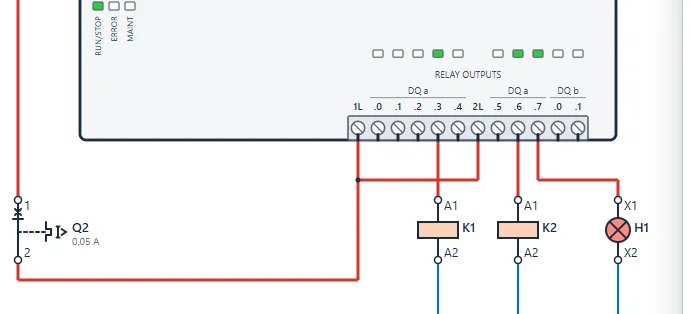
Simulation that behaves like a panel
Press buttons, watch contactors pull in, timers run and motors turn. Short circuits trip the right breaker, overloads heat up, RCDs react to earth faults, phase monitors detect wrong sequence.
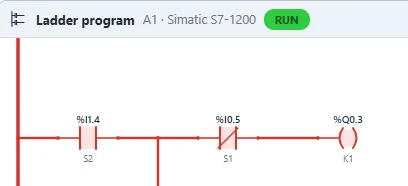
Ladder for real PLCs
Draw the Ladder program freely in a window for each PLC. Contacts, coils, timers, counters, comparisons and analog scaling, with the addressing of each model (%I0.0, I1, %IX0.0…).
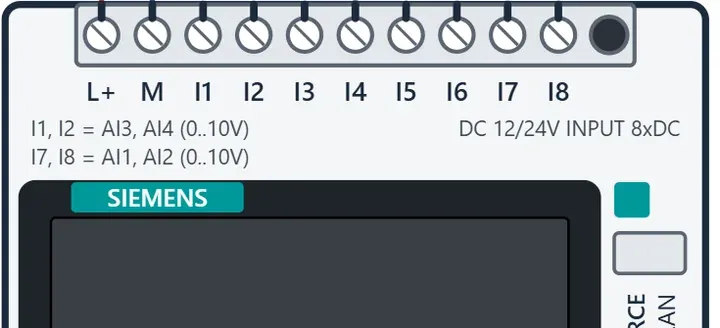
Analog signals and drives
Potentiometers and 0–10 V transmitters feed PLC analog inputs; SCALE and UNSCALE blocks drive analog outputs and a frequency inverter that changes motor speed and direction.
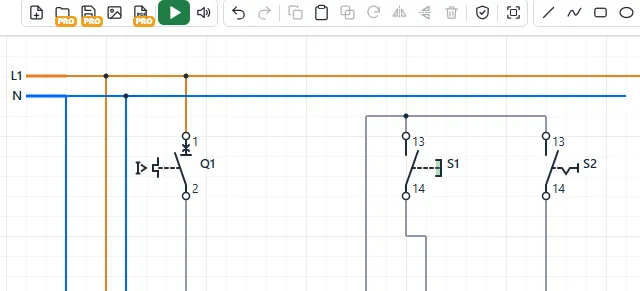
Made for the classroom
Large touch targets for interactive whiteboards, a 20 px grid, interface in 14 languages, design check with hints, and a free version that students can use without an account.
Cloud drawings and PDF
With Pro, drawings are saved to your account and open from any computer. Export vector PDF drawings with the Ladder programs, or PNG images for homework and reports.
Who is it for
One tool from the first contactor circuit to a PLC-controlled machine.
Teachers
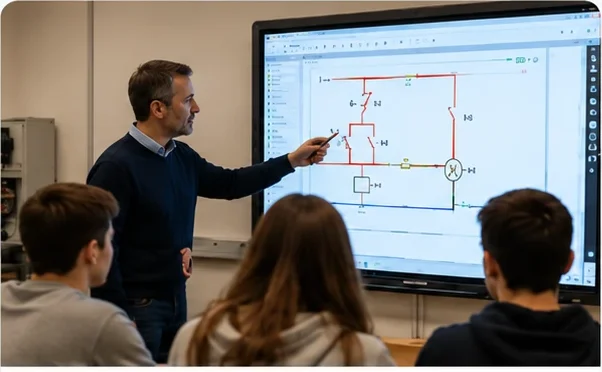
Draw on the whiteboard, simulate in front of the class and assign exercises. Students work in the free version and send a PNG of their drawing.
Students and trainees
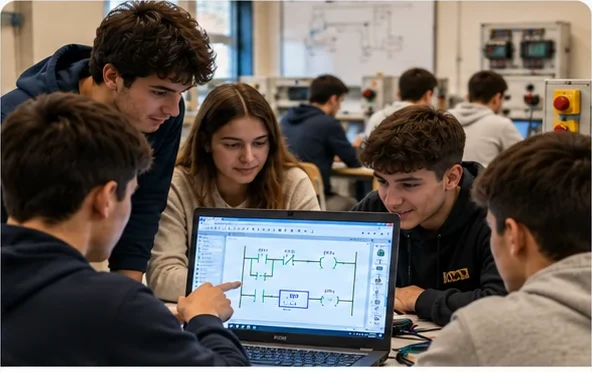
Understand self-holding, interlocking, star-delta starting, timers and PLC logic by trying them — and by making mistakes safely.
Electricians and engineers
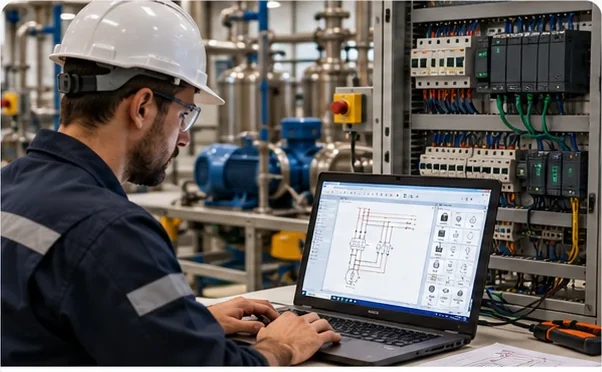
Test a control circuit before wiring it, document it as a clean IEC drawing and keep the PDF with the panel.
Simple pricing
Start free. Upgrade when you need saving, opening files and PDF export.
Frequently asked questions
Is Virtuino Circuits free?
Yes. Drawing and simulation are free, without an account. Saving drawings to the cloud, opening files and PDF export are part of the Pro plan.
Which PLCs are supported?
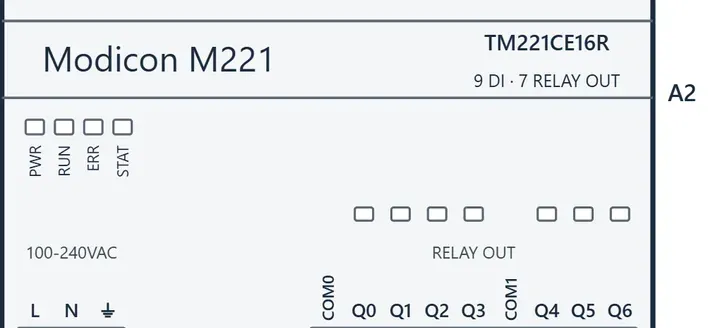
Siemens LOGO! 8 and LOGO! 12/24, Siemens S7-200 (CPU 222, 224), Siemens S7-1200 (CPU 1214C), Schneider Modicon M221 and a configurable generic PLC. Programs are written in Ladder with the addressing of each model.
Do I need to install anything?
No. It runs in any modern browser on Windows, macOS, Linux, Chromebooks, tablets and interactive whiteboards.
Does it follow a standard?
Symbols follow IEC 60617 and designations follow IEC 81346 (Q for breakers, K for contactors and relays, S for operators, M for motors…). Protection behaviour follows the typical curves of each device.
Where are my drawings stored?
In the free version your current drawing stays in your browser. With Pro, drawings are stored in your account on our servers in the EU and can be opened from any computer.
MQTT & HTTP IoT platform. Powerful, yet simple by design.
Virtuino Cloud is a flexible IoT platform for connecting, monitoring, automating and controlling MQTT and HTTP devices, with the freedom to structure your data your way.
Open Virtuino CloudStart now — connect an ESP32 or ESP8266 to your computer and follow the steps of this 3-minute video tutorial.
See the tutorial